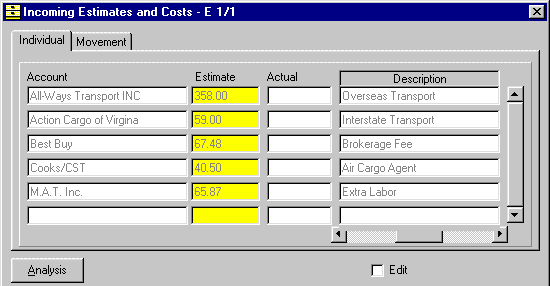
Enter Estimated Costs
Job Costing begins with an estimate accessed via the costs button on the Invoice.
This screen allows you to
view a summary of the Invoices and Credit notes
for each Account. This screen also fills in the Date, Number and Value fields for Invoices and Credit notes associated with the selected account. If nothing is displayed, then there are no Invoices or Credit notes for that Account.
If you click on either the Date, Number or Value field for a particular Invoice or Credit note then the fields for Exchange Rate, Terms and Reference are filled in for that individual Invoice or Credit Note. Once an Invoice or Credit note has
been selected you can print it by clicking the
Plain or Pre-printed Print |
 buttons.